Getting StartedFor Consultants

Meet your 2IC. Build agentic workflows through conversation.

Sordit works directly with ChatGPT and Claude, so there’s no need to switch to another built-in AI assistant or copilot. Simply connect Sordit to your preferred AI chat app and work with your 2IC to create and manage agentic workflows.

Video coming soon

A walkthrough of connecting Sordit and working with your 2IC to create a workflow.

Build workflows by having a conversation

As an automation consultant, you already have an idea of what you want to automate for your client. The challenging part is often turning that idea into a working workflow, connecting nodes, configuring individual steps and writing custom scripts when a workflow builder doesn’t support what you need.

Sordit takes a different approach.

Your 2IC (Second-in-Command) works with you directly through ChatGPT or Claude, using the Model Context Protocol (MCP) to communicate with Sordit.

Simply describe what you want to achieve, including any business rules, requirements or exceptions. Your 2IC takes that information and turns it into a Sordit-compatible Job or Routine, complete with the Tasks and workflow logic needed to carry it out.

ChatGPTor Claude● Sordit MCP
Help Bennett & Co. stay on top of client enquiries. Can we get replies ready for the team to review each morning?
Absolutely. Whose inbox should I use, when should it run, and who reviews the replies?
Peter’s Gmail, weekdays at 9am. Put supporting files in Google Drive and have Christina approve replies before they’re sent.

You can discuss and refine the workflow naturally through conversation, just as you would with a colleague. Your 2IC handles the platform-specific setup and presents the proposed workflow for your review and approval.

SorditPROPOSAL
BENNETT & CO. · NEW ROUTINEClient enquiry follow-up

Weekdays at 9am · Workspace timezone

  1. Check Peter’s Gmail
  2. Prepare drafts and supporting files
  3. Christina reviews before sending
Review and approve before creation

This lets you focus on designing the right solution for your client, rather than manually configuring how it runs.

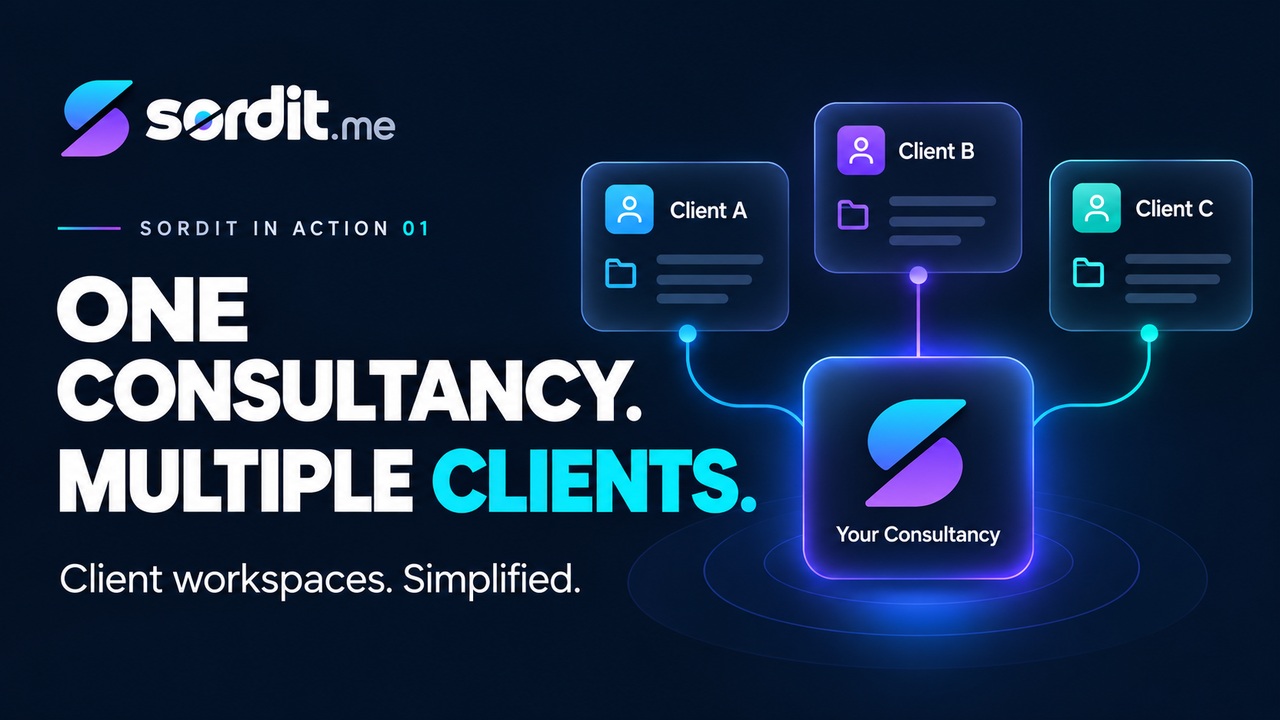
Manage multiple clients from one AI chat app

If you’re an automation consultant or agency, you can connect multiple Sordit workspaces to ChatGPT or Claude, authorising each workspace separately.

From your preferred AI chat app, you can:

  • Create a customer enquiry Routine for your retail client.
  • Build an invoice review process for your accounting client.
  • Review and update an existing Routine for another client.

Each client’s Jobs, Routines, Agents and business connections remain within their respective Sordit workspaces.

You can manage your clients’ agentic workflows through the AI chat app you already use, while Sordit handles their ongoing execution.

Sordit

Connected accounts

BBennett & Co.Workspace account
HHawthorne LegalWorkspace account
EElmwood HealthWorkspace account
NNorthstar RetailWorkspace account
Connect another account

Connect Sordit to ChatGPT or Claude

Getting connected only takes a few steps.

First, open Sordit’s onboarding assistant and select the MCP setup step. Copy the MCP URL provided.

For ChatGPT

  1. Open ChatGPT settings and follow the custom MCP connection flow.
  2. Name it Sordit and paste your MCP URL.
  3. Complete the OAuth connection.
  4. Sign in to Sordit, choose your workspace and authorise access.

ChatGPT connection guide

For Claude

  1. Open Customize → Connectors, select Add, then Add custom connector.
  2. Name it Sordit and paste your MCP URL.
  3. Complete the sign-in process.
  4. Choose your Sordit workspace and authorise access.

Claude connection guide

Once connected, you can start working with your 2IC directly from ChatGPT or Claude.

Get started with Sordit →
← Back to In Action