
For ConsultantsGetting Started

Let your clients connect their own business tools

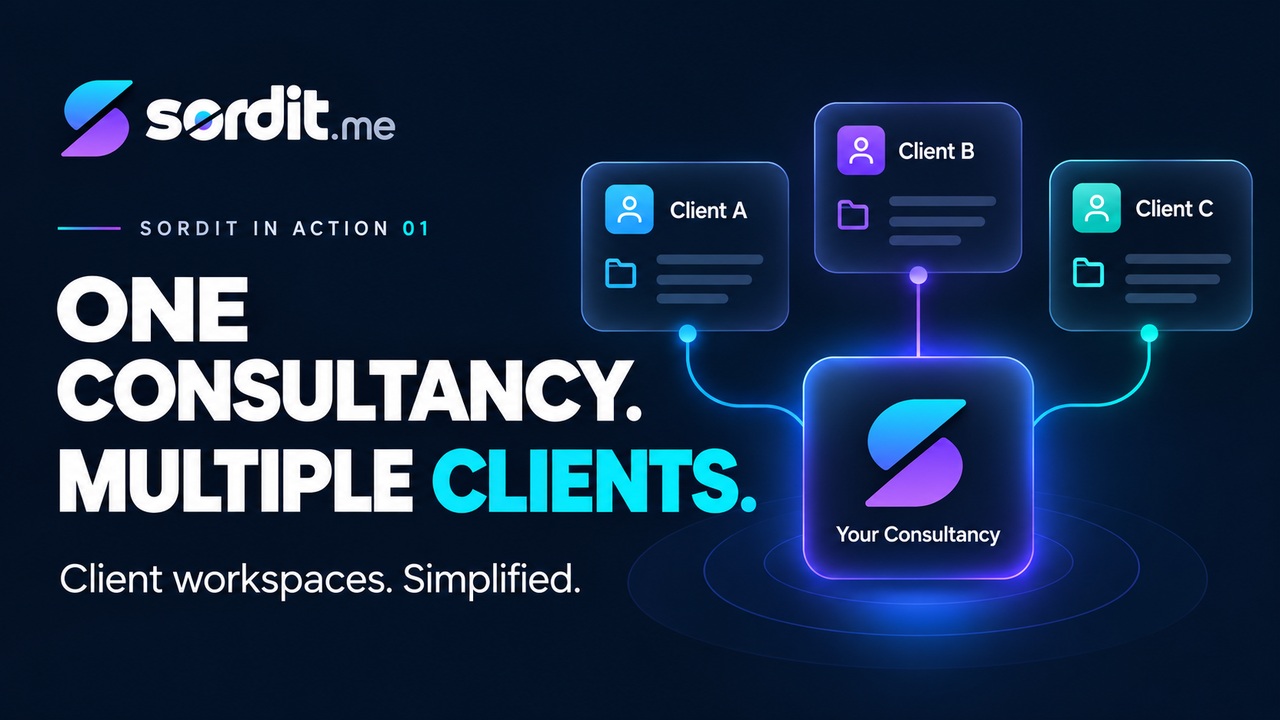
Your clients can connect their business accounts directly in Sordit, so you can build and manage agentic workflows using their existing tools, without chasing credentials or arranging screen-sharing sessions.

Let your clients handle the connections

If you’re an automation consultant, you’re probably familiar with the process of connecting a client’s business tools.

Emails asking for API keys, waiting for OAuth approvals, coordinating 2FA codes, or jumping onto yet another Zoom call to guide a client through their settings. Sometimes you even end up taking control of their screen just to get one connection working.

With Sordit, you can hand this process over to your client.

Once you’ve created their workspace, simply invite them to join. They can then:

  • Connect their business tools directly through Sordit.
  • Complete their own OAuth authorisations or API key setup.
  • Manage their connections without sharing credentials with you.

You can then build and manage agentic workflows on the same platform, with their business tools already connected.

Each user’s connections retain their own permissions

In Sordit, business tools are connected by individual users. When an AI Agent performs a Task on someone’s behalf, it uses that person’s authorised connections, with access governed by the permissions of the original business system and the integration.

For example, imagine two employees, Sarah and James, working in the same company.

Sarah Chen
HubSpotAssigned contacts
Google DriveView only
James Wilson
HubSpotTeam contacts
Google DriveCan edit

HubSpot

  • Sarah, Sales Representative: Her HubSpot account only allows her to view and update contacts assigned to her. An Agent working on her behalf can follow up on those contacts, but cannot access the rest of the team’s restricted records.
  • James, Sales Manager: His HubSpot account has access to the entire team’s contacts. An Agent working on his behalf can review the broader sales pipeline and prepare reports across the team.

Google Drive

  • Sarah: Has view-only access to the company’s sales forecast. An Agent working on her behalf can read and summarise the document, but cannot edit it.
  • James: Has editing access to the same document. An Agent working on his behalf can update the forecast as part of an authorised Task.

Both employees can connect HubSpot and Google Drive to Sordit, but the Agents working on their behalf operate within their respective access permissions.

This allows you to build agentic workflows involving different team members, without giving everyone the same level of access to the company’s systems.

As the automation consultant, you can focus on designing and managing these workflows, while your clients retain control over their business accounts and permissions.

Get started with Sordit →
← Back to In Action